Modern Restaurant Operating System
Streamline your restaurant operations with the ultimate all-in-one platform for POS, Menu Management, and Online Ordering.

Exquisite Features
The tools restaurants need for menus, orders, teams, and growth.
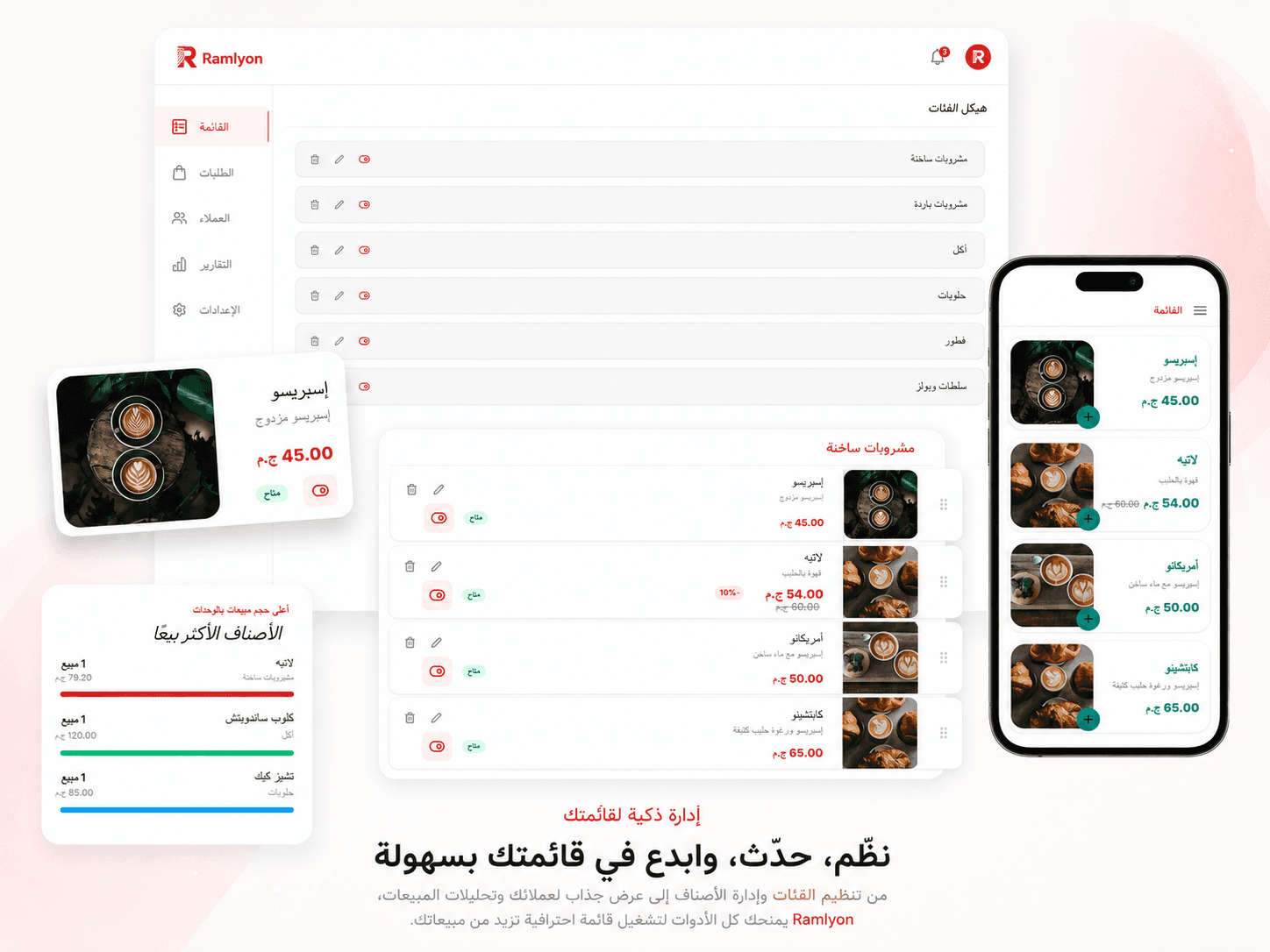
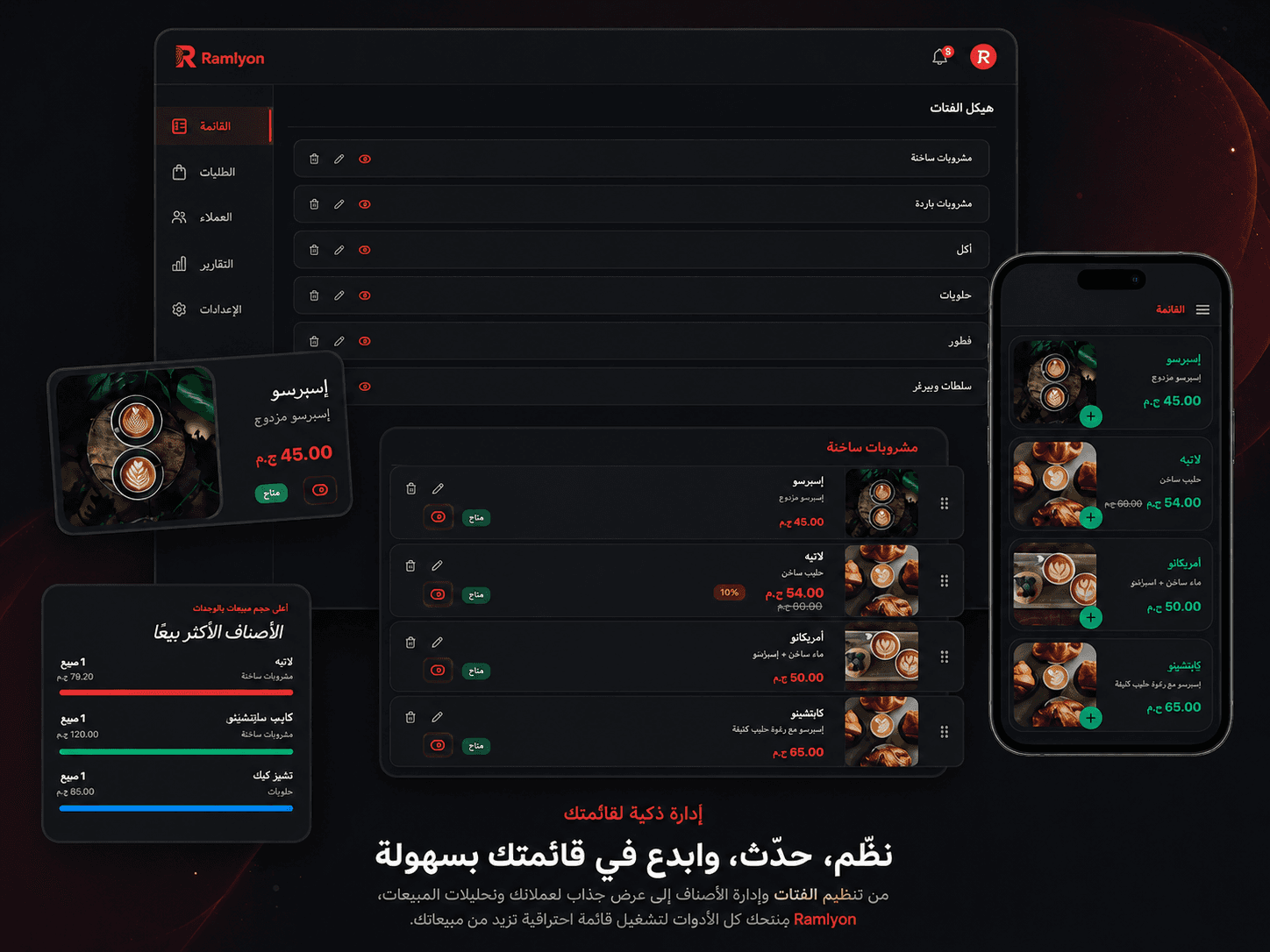
Your menu. Your rules. Live in minutes.
Build it once and change it forever. Categories, photos, prices and options — every edit reaches your guests the second you save it.
- Brand it yours — logo, colours, cover and dark mode
- Drag and drop categories and items into place
- Show or hide any item with a single tap
- Mark an item sold out without deleting it
- Sizes and variants, each with its own price
- Paid add-ons and extras that grow every ticket
- Mouth-watering photos on items and categories
- Percentage or fixed discounts on any item
- One item, every language your guests speak
- Edit with no internet — it syncs when you're back
One scan opens your whole menu.
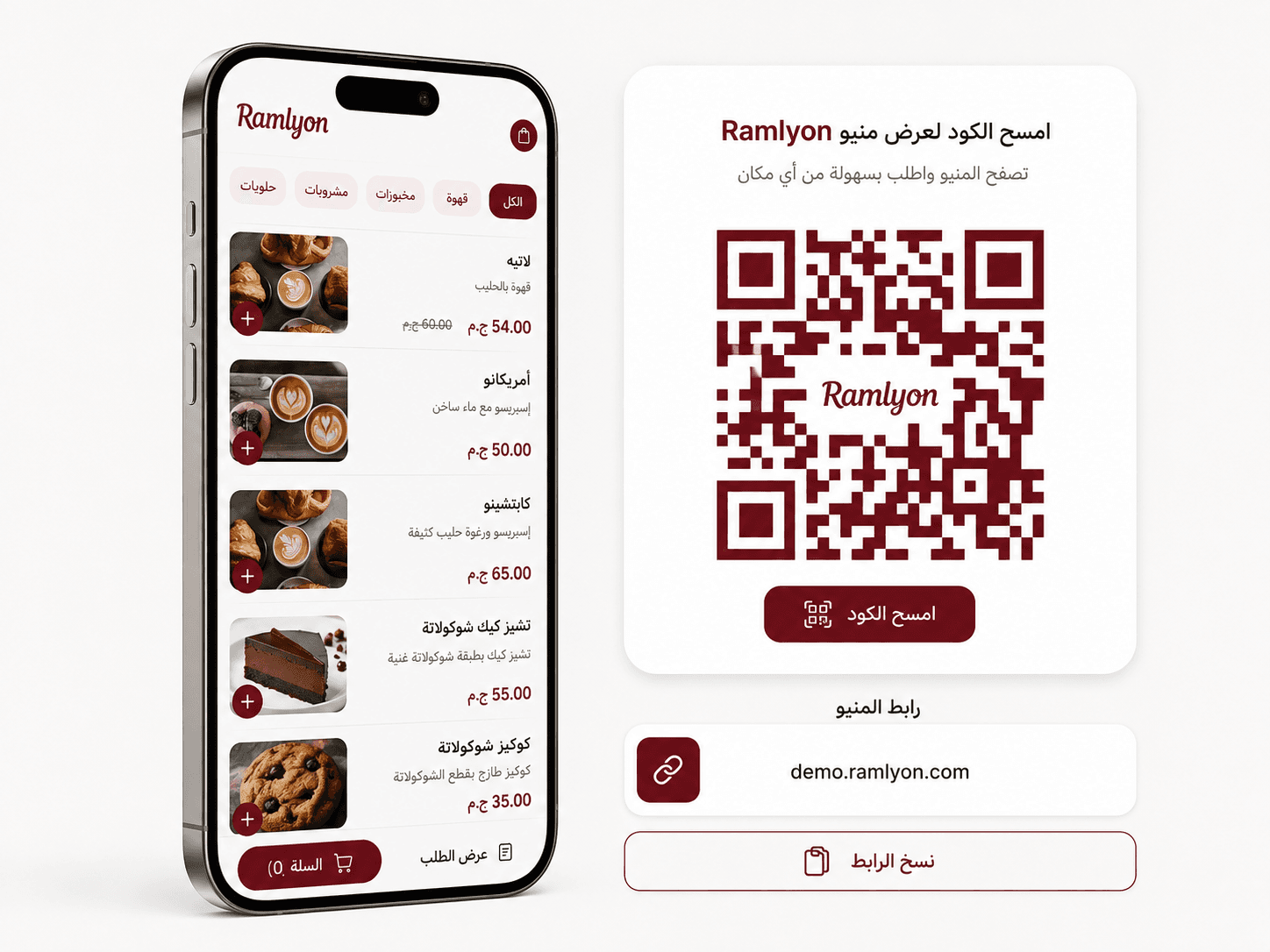
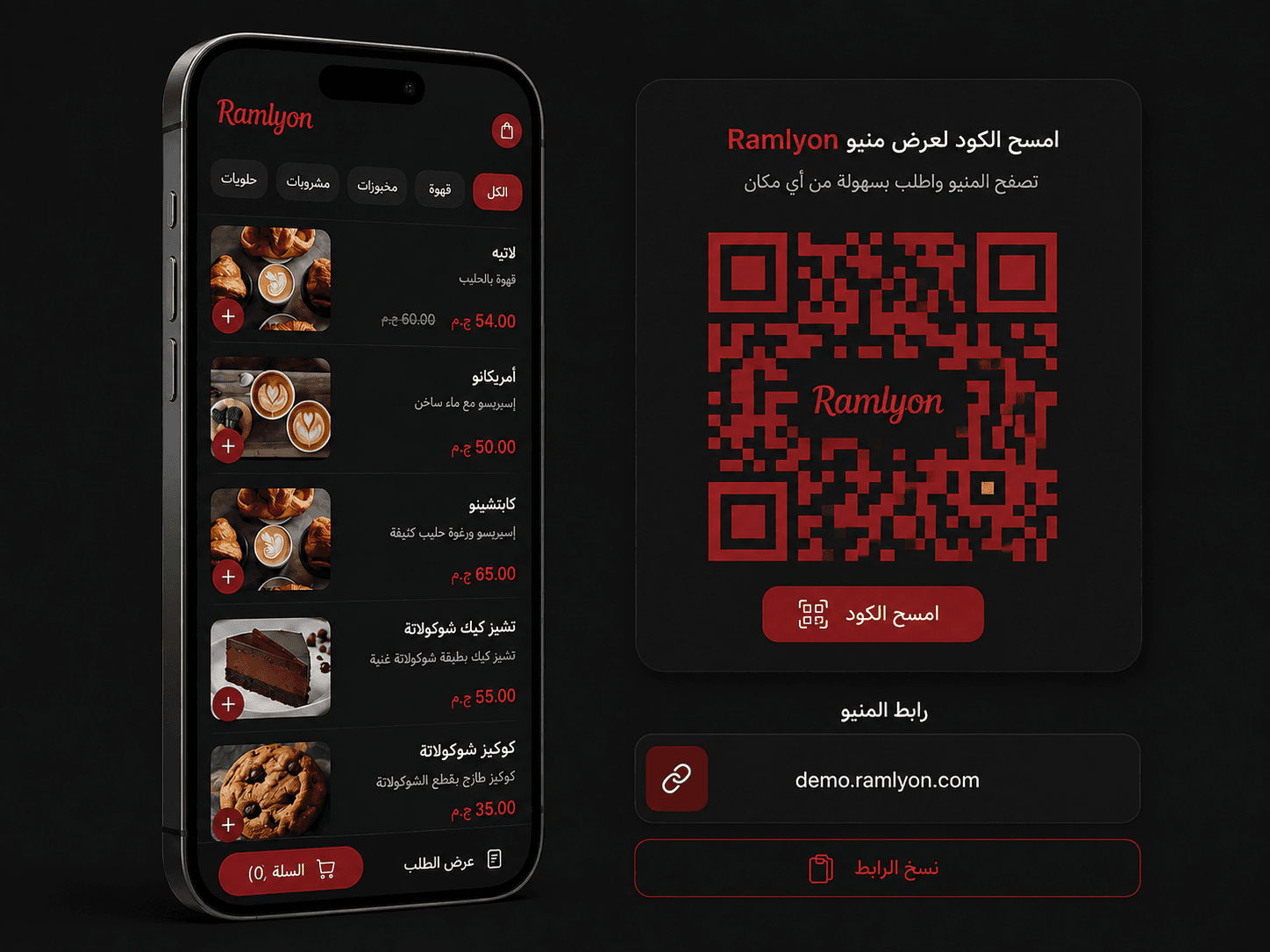
Your venue gets its own address — yourvenue.ramlyon.com — behind a QR code you design to look like you. Print it once; the menu behind it can change every day.
- Your own link: yourvenue.ramlyon.com
- Scan and order — no app to download
- Design the code: colours, gradients and shapes
- Put your logo right in the middle
- A code per table, so you know where to serve
- Download PNG, SVG or a print-ready table sheet
- Change the menu anytime — printed codes still work
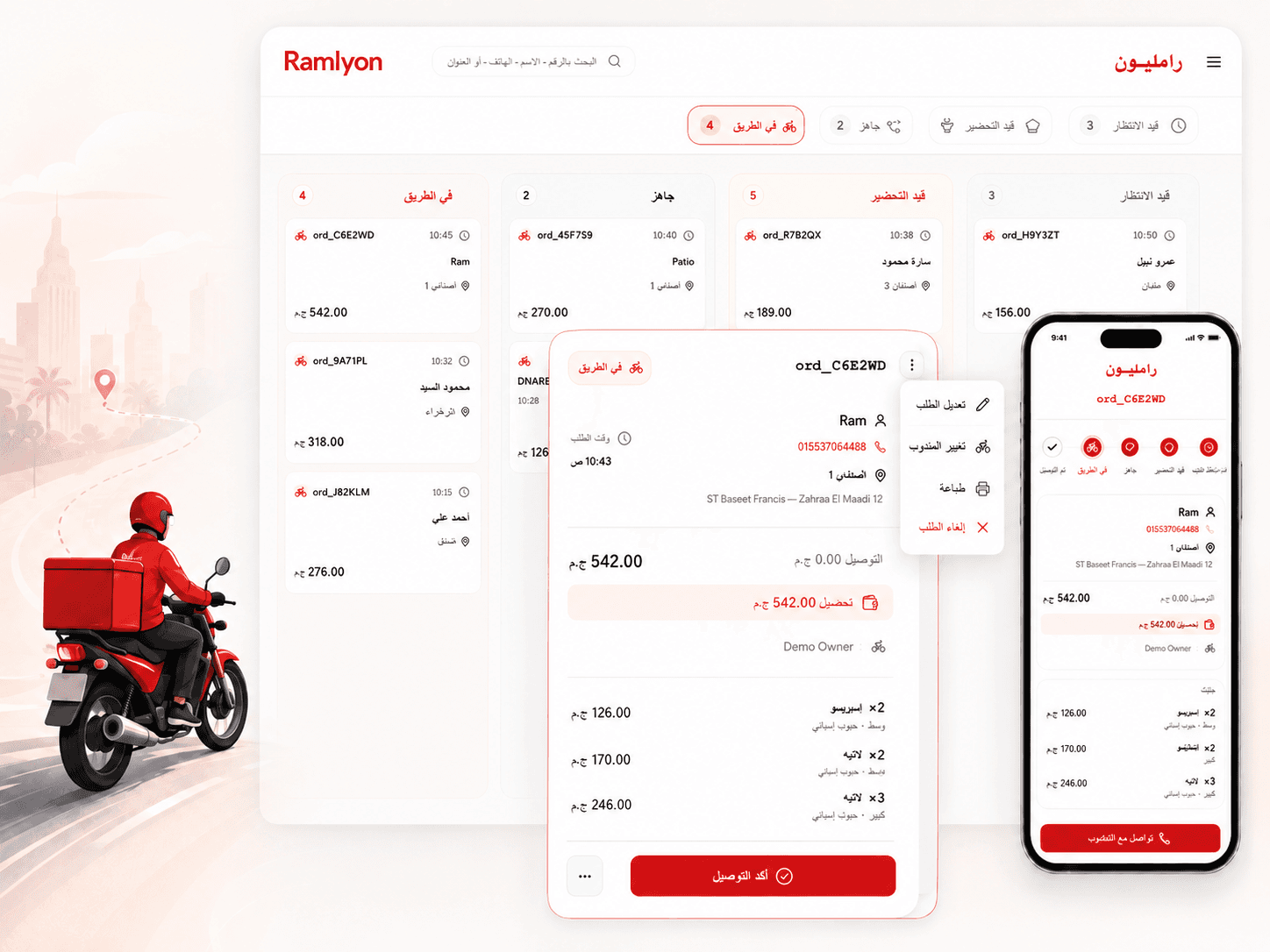
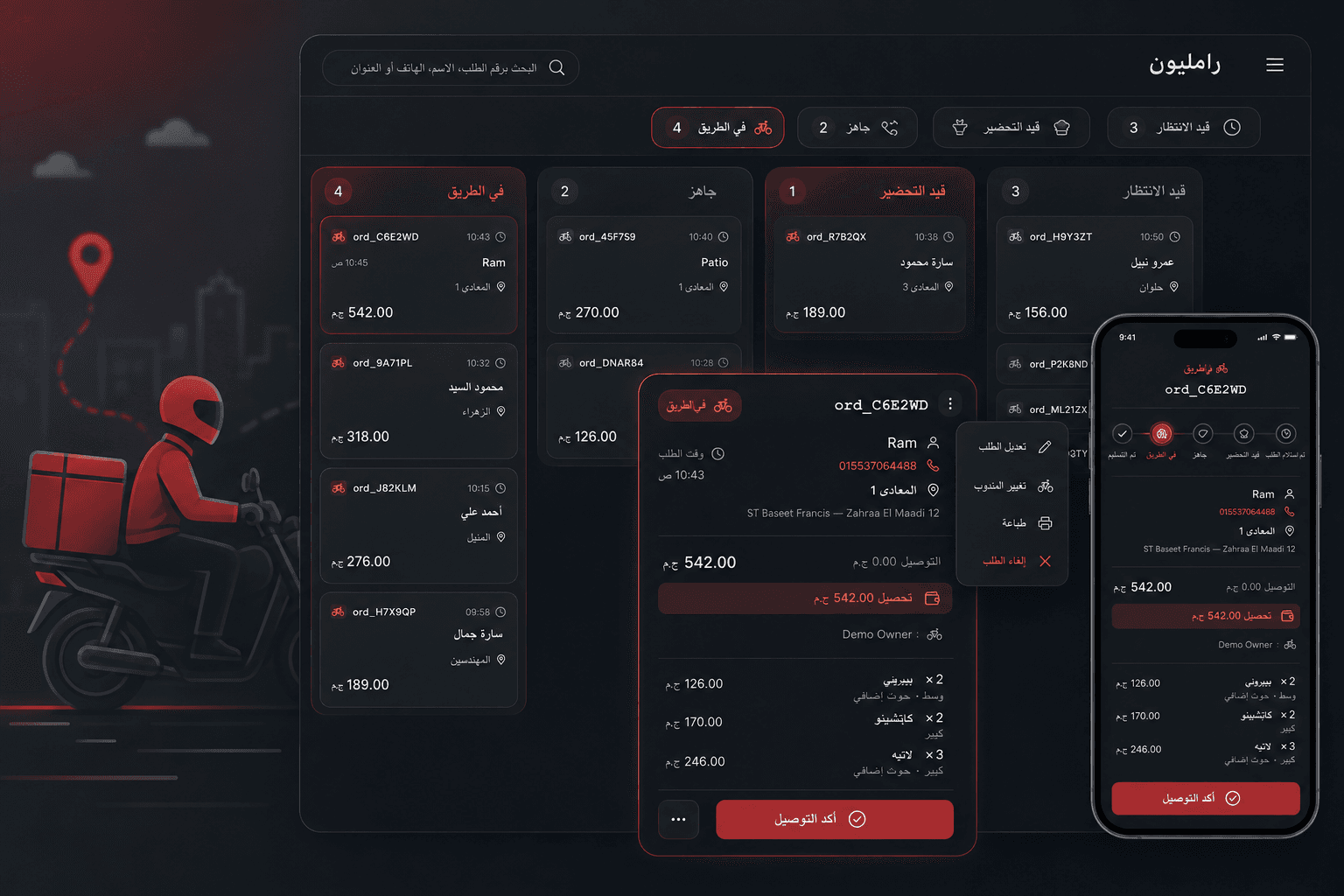
Every order lands in one place.
Dine-in, takeaway and delivery arrive on the same screen, live — and move from received to delivered in a tap, with your guest watching it happen.
- Dine-in, takeaway and delivery in one queue
- New orders appear live — nothing to refresh
- Delivery zones with your own fee and minimum
- Assign a driver and follow it to the door
- Your guest tracks the order step by step
- Confirm and chat on WhatsApp in one click
- Ask only for what you need: name, phone, notes
- Busy? Pause orders or post a kitchen message
- Orders outside working hours decline themselves
A till that already knows your menu.
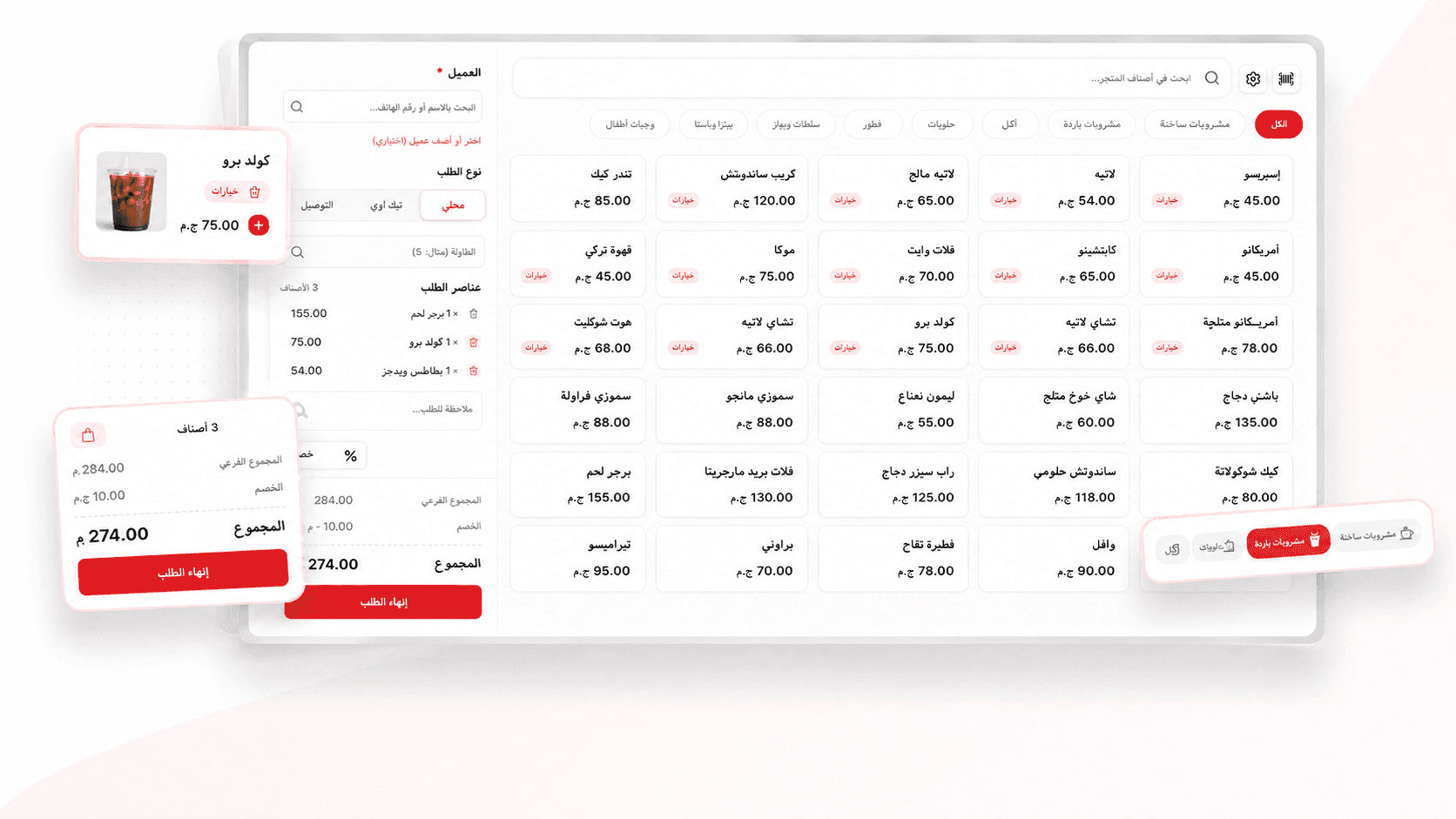
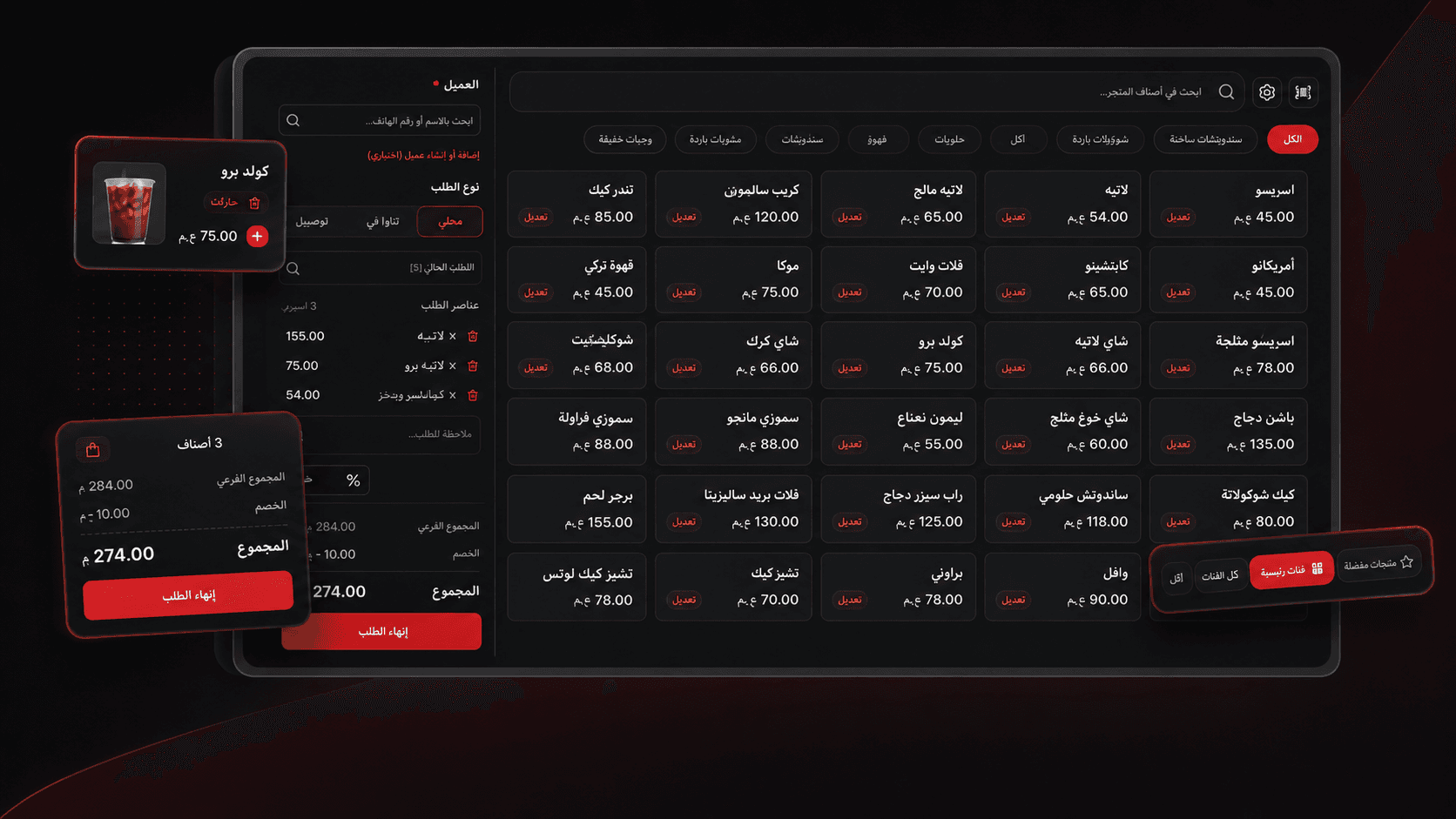
The POS is not a separate system bolted on. It runs on the same menu, the same prices and the same order queue as your QR menu — so the counter and the phone are never two different businesses.
- Same menu, same prices — set nothing up twice
- Ring up an order in seconds by search or category
- Dine-in, takeaway or delivery from one screen
- Receipt and kitchen ticket print together
- Design the receipt with your own logo
- Save the customer and their history as you sell
- Keeps taking orders when the internet drops
The kitchen knows the second you do.
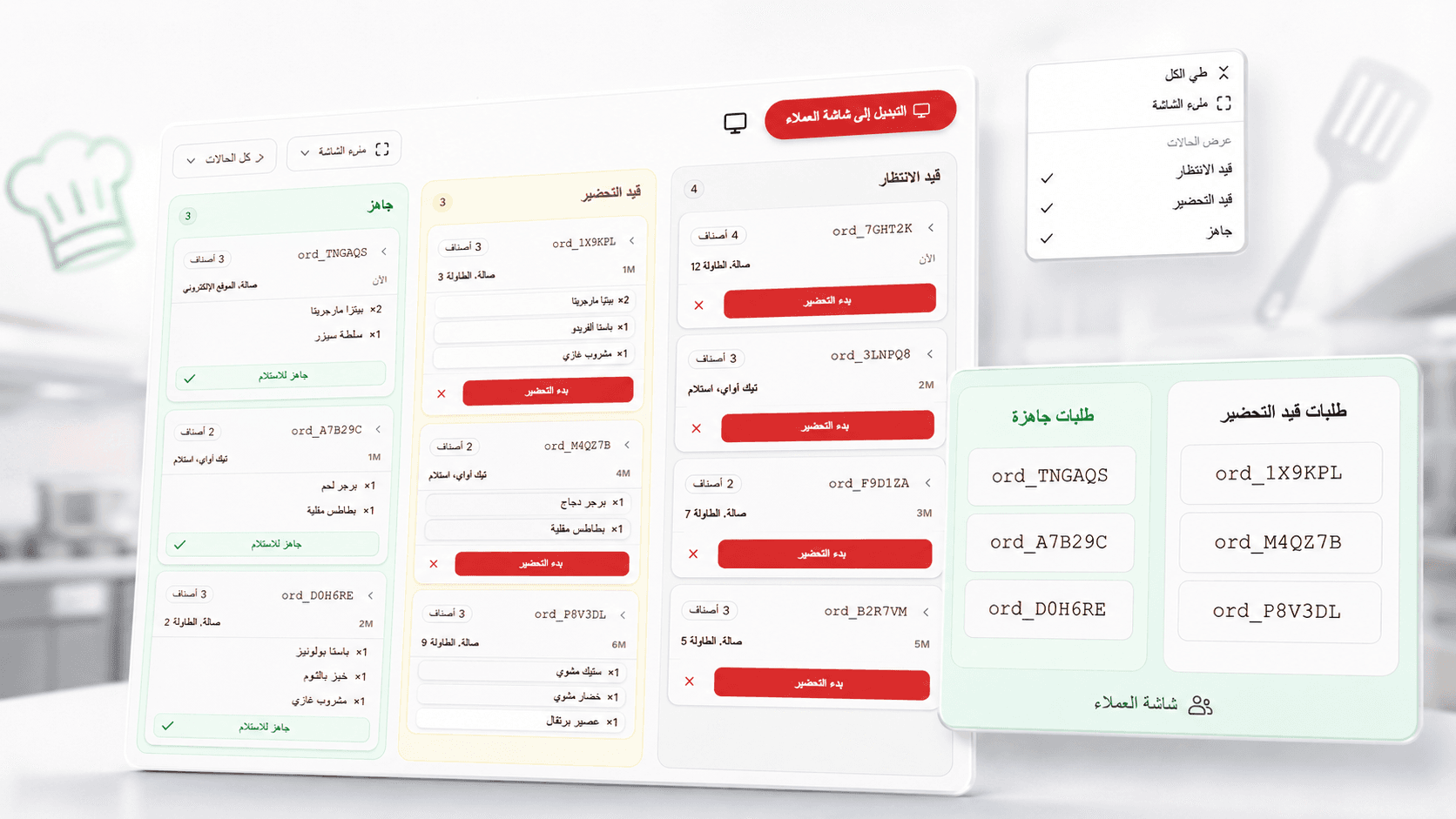
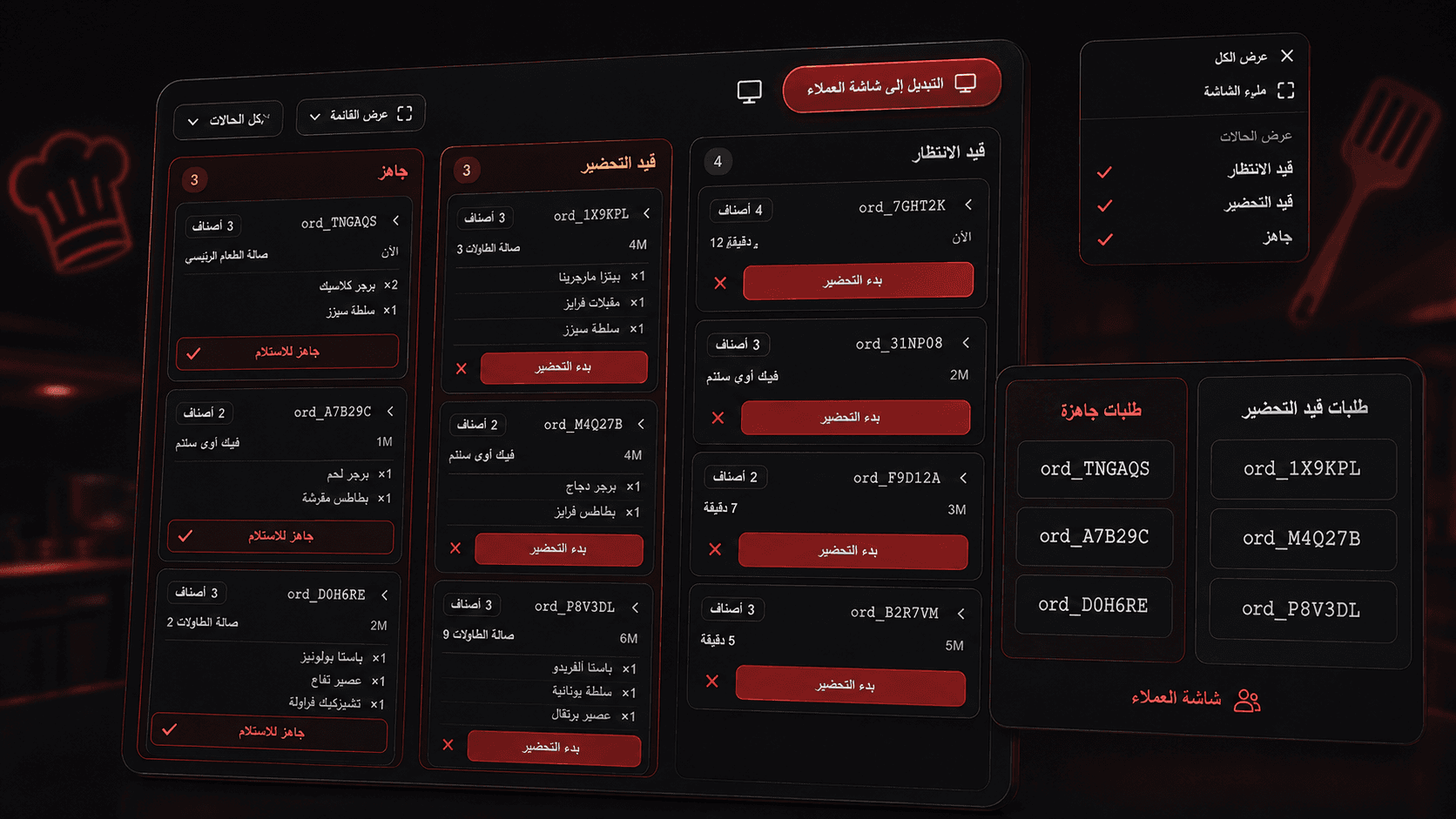
Every order reaches the pass the moment it is placed, on a screen built to be read across a hot, busy kitchen and moved forward with one tap.
- Live tickets the instant an order is placed
- Big, clear cards you can read across the kitchen
- One tap moves a ticket to the next stage
- A column per status — see the whole line at once
- Full-screen mode for a wall-mounted display
- A public screen that calls out ready orders
Everyone sees exactly what they should.
Add your staff, hand each one a role, and the app rearranges itself around them — the cashier gets the till, the chef gets the kitchen, the driver gets the deliveries.
- Ready-made roles: manager, cashier, chef, waiter, driver
- Build your own role, permission by permission
- Every member sees only their own screens
- Customer details stay with the people you choose
- Every action logged with who did it and when
- Revoke access the moment someone leaves
Give them a reason to order again.
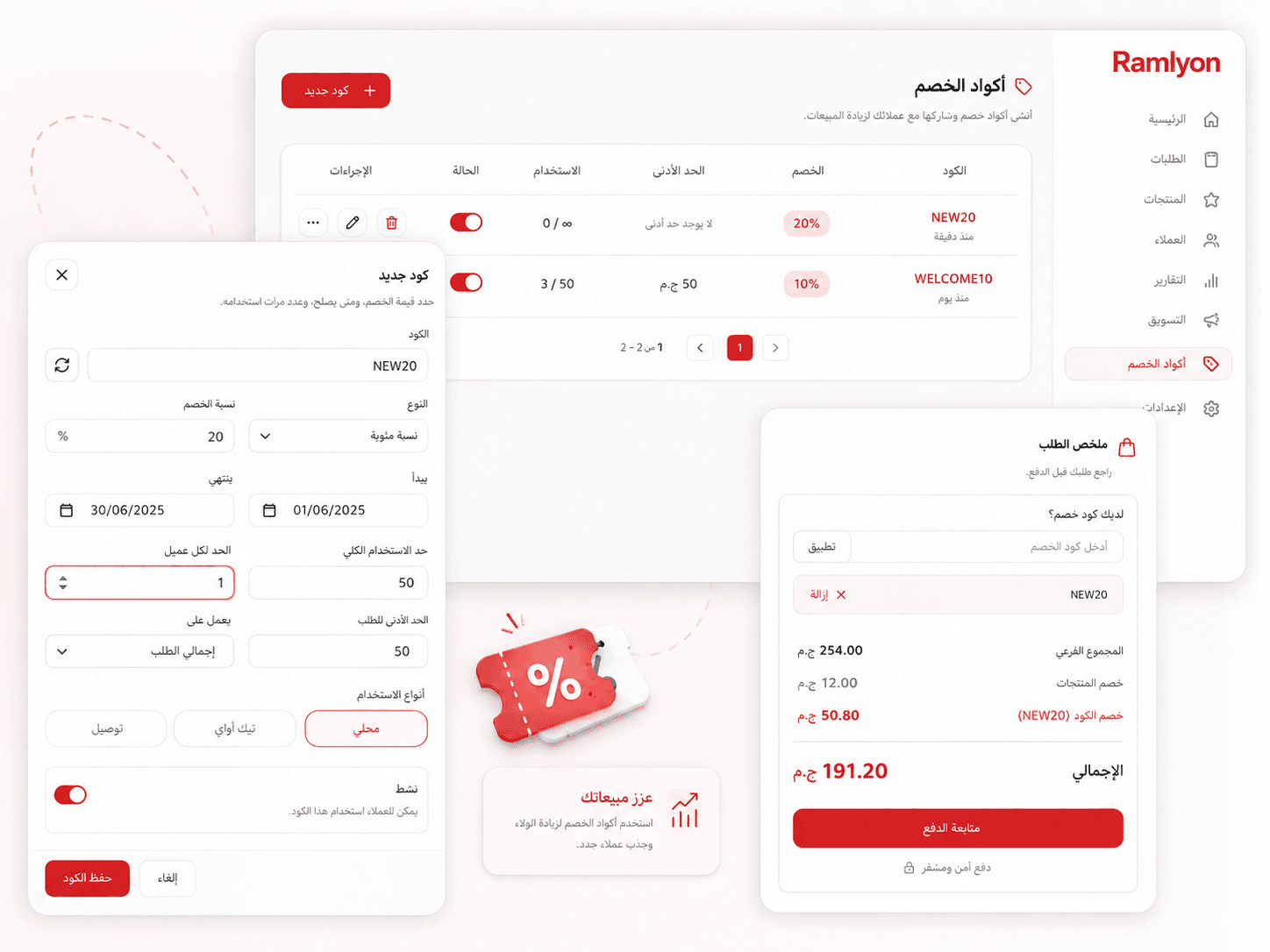
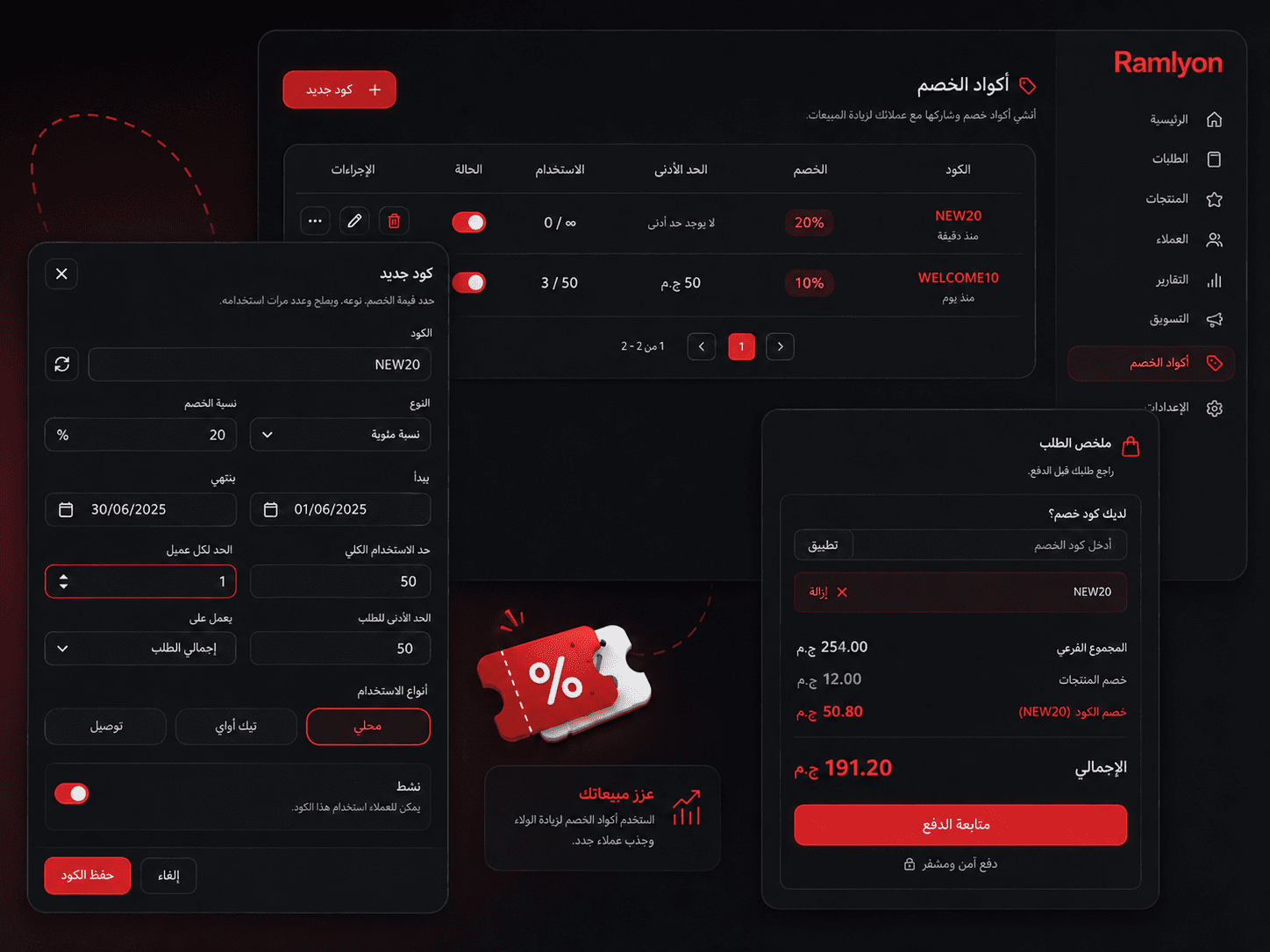
Launch a code in under a minute, decide exactly who can use it and how far it goes, then see what it actually brought back.
- A percentage off or a fixed amount — your call
- Start and end dates, set once and forgotten
- Cap the total uses and the uses per customer
- Require a minimum order to qualify
- Cap how much any single code can give away
- Choose the order types it works on
- Pause a code instantly without deleting it
Know what sells before the month ends.
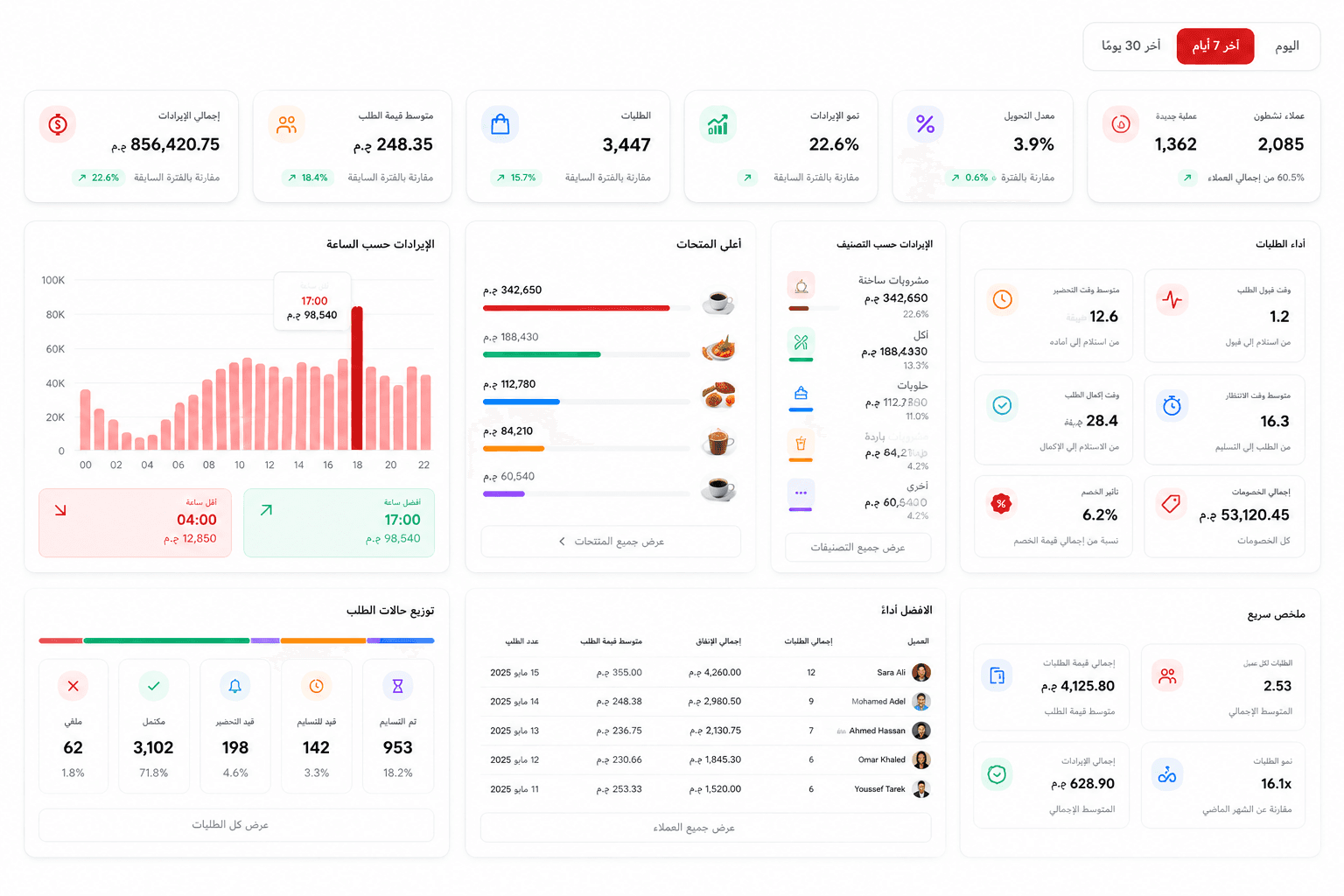
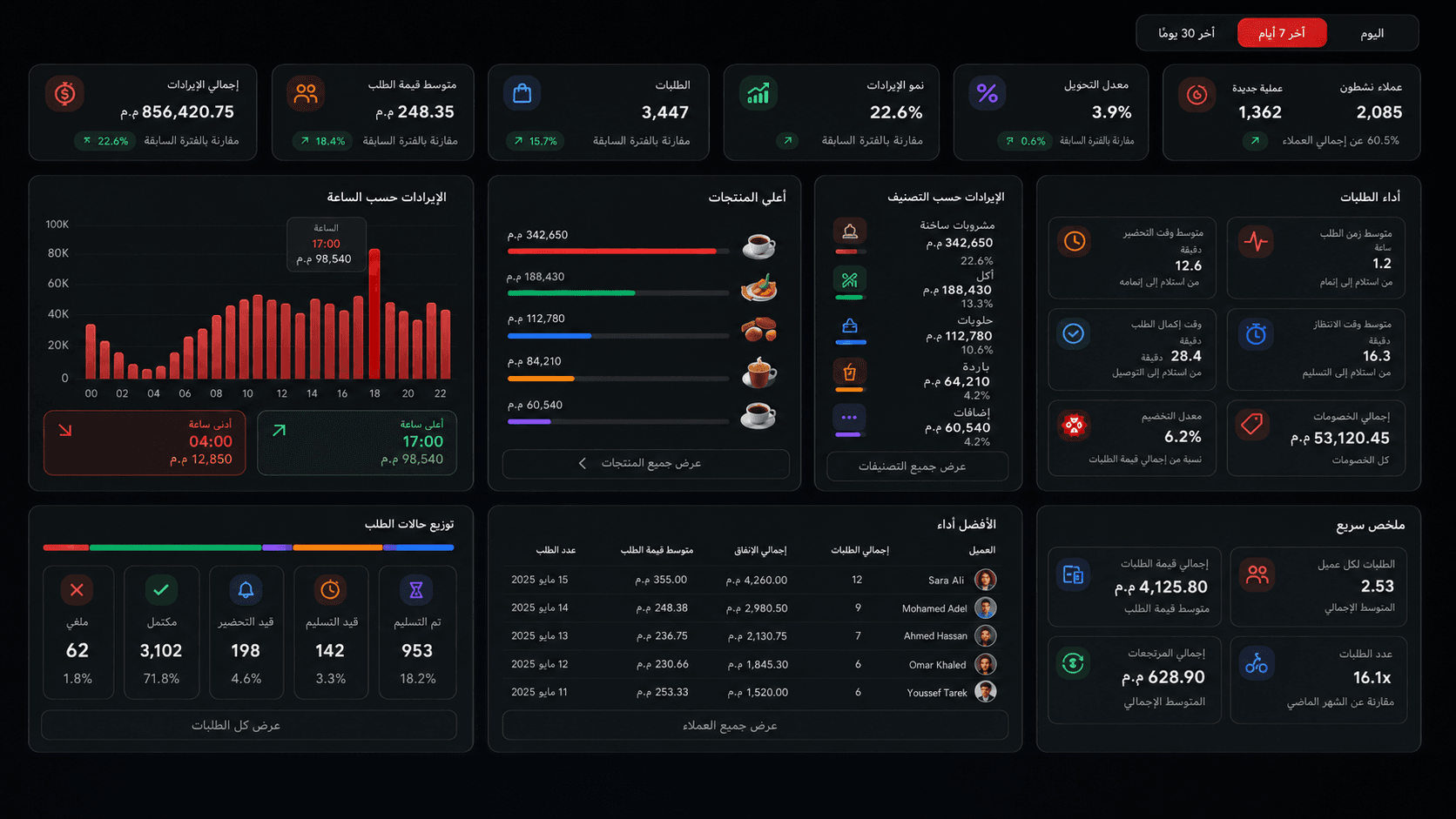
Six screens of real numbers from real orders — revenue, orders, customers, engagement and items — each readable by day, week, month or year.
- Revenue today, this week, this month — and the growth on each
- Average order value, revenue per customer, revenue per open hour
- A revenue timeline, plus your peak hour and your deadest hour
- Which categories and which dishes actually earn the money
- Best sellers, slow movers, dead items and your star dishes
- Order counts, the status breakdown and your cancellation rate
- Where orders come from: table QR, web link or the till
- How fast you accept an order, and how long it takes to cook
- How long food waits once ready, and the total time door to door
- What discounts cost you and how much of the bill they moved
- How many customers you have, new against returning
- Orders per customer, lifetime value and your biggest spenders
- Visitors to your menu, and how many turn into an order
- What guests browse most — and what they view but never order
Serve every guest in their own language.
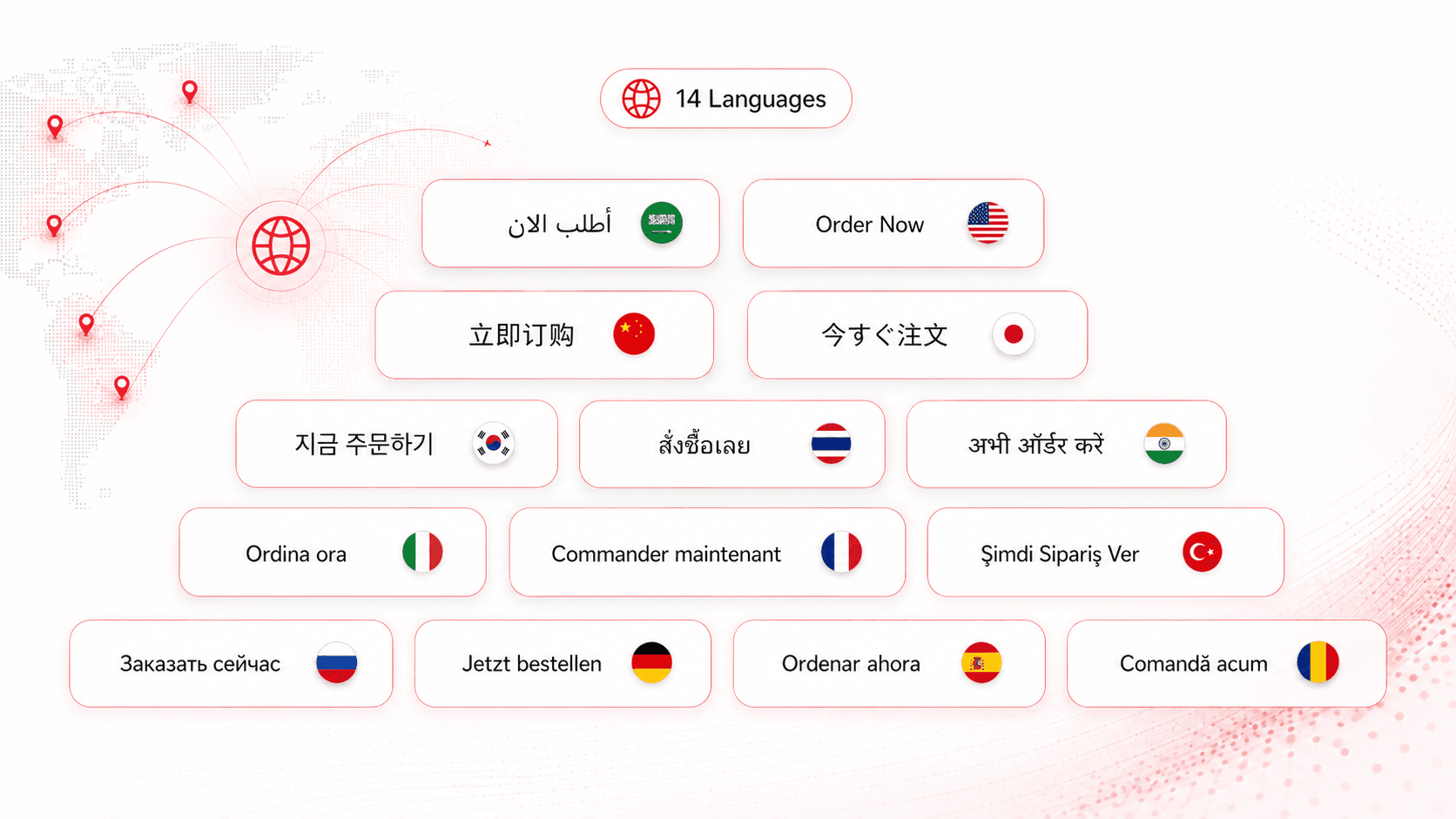
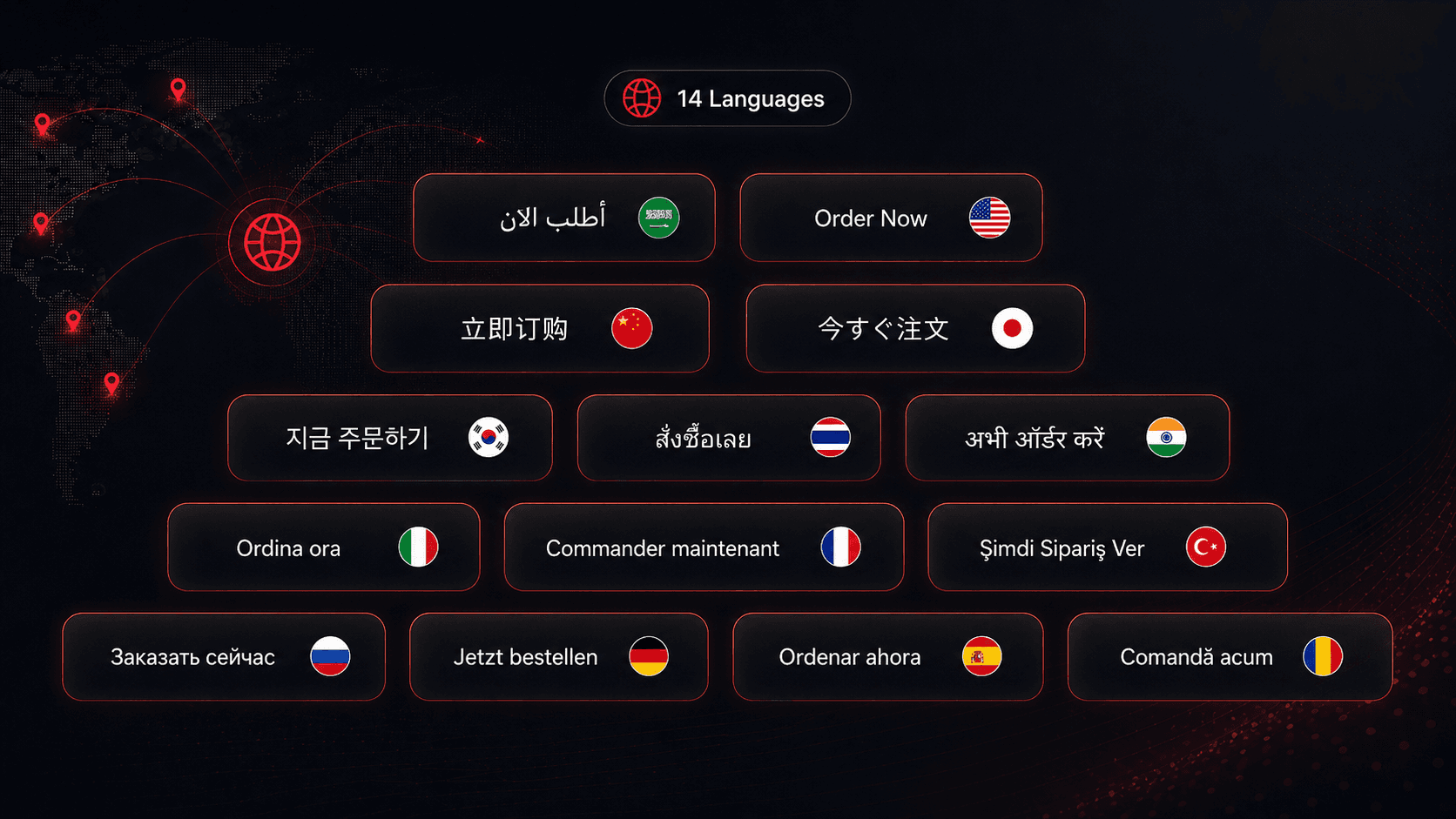
Ramlyon is professionally localized into 14 languages — written by people, not run through a machine. Your guests read the menu in theirs, your team works in theirs, and Arabic reads right to left the way it should.
- 14 languages, written by people, not machines
- Guests switch language on the menu themselves
- Your team picks its own dashboard language
- Full right-to-left support for Arabic
- Your currency, your timezone, your date format
- Receipts and exports in your restaurant's language
How it Works
From setup to your first order in less than 10 minutes.
Register Your Venue
Create your account and claim your digital address.
Curate Your Menu
Add categories, items, prices, and images.
Generate QR Codes
Print QR codes for tables, counters, and inserts.
Serve & Prosper
Receive orders in the dashboard or WhatsApp.
Ready to Modernize Your Venue?
Join forward-thinking restaurants upgrading their guest experience.
Begin Your Journey